 Bullets
Drawwii
Background eraser & templates
Drawwii turns your phone into a full creative studio — draw freely, edit photos with AI that runs on the device, and turn ideas into finished designs, all in one app.
- Free
- iOS · Android
- Drawing
- AI photo editing


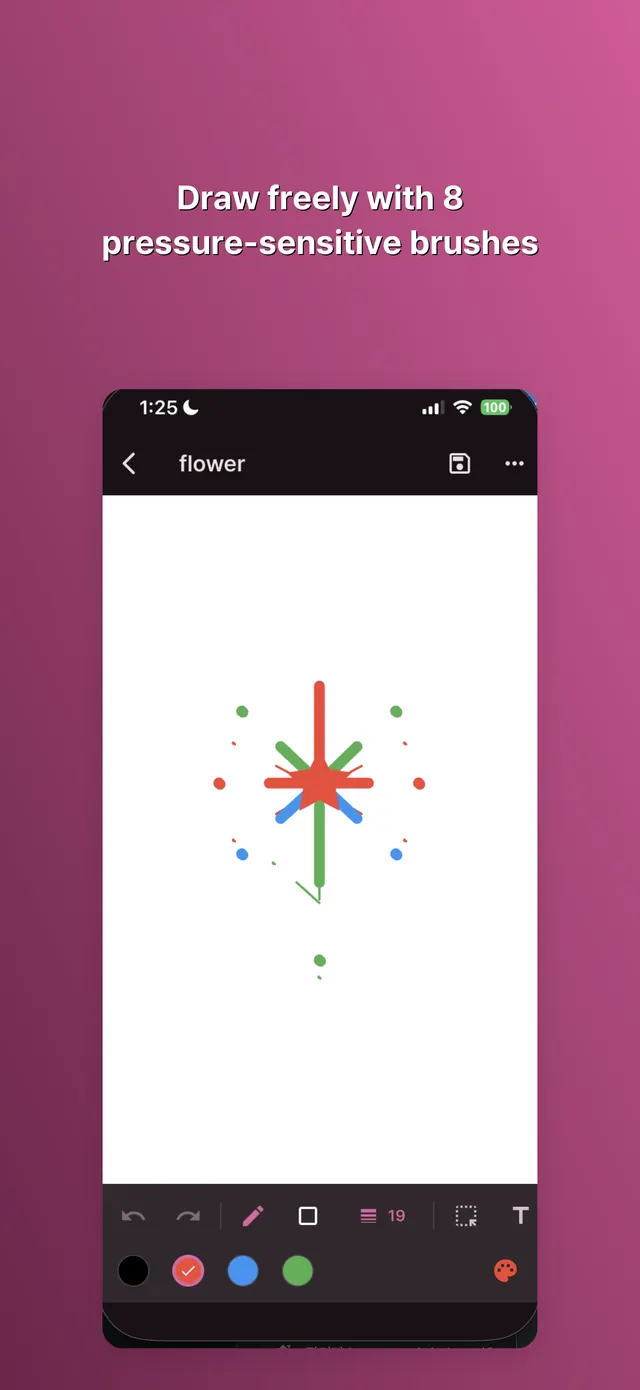
Draw freely
8 pressure-sensitive brushes — pen, highlighter, calligraphy, neon, spray, marker, pencil and eraser. 10 shapes with gradient fill, selection and transform tools, unlimited layers with blend modes, symmetry mode and a pinch-to-zoom canvas.
Edit photos right on the phone
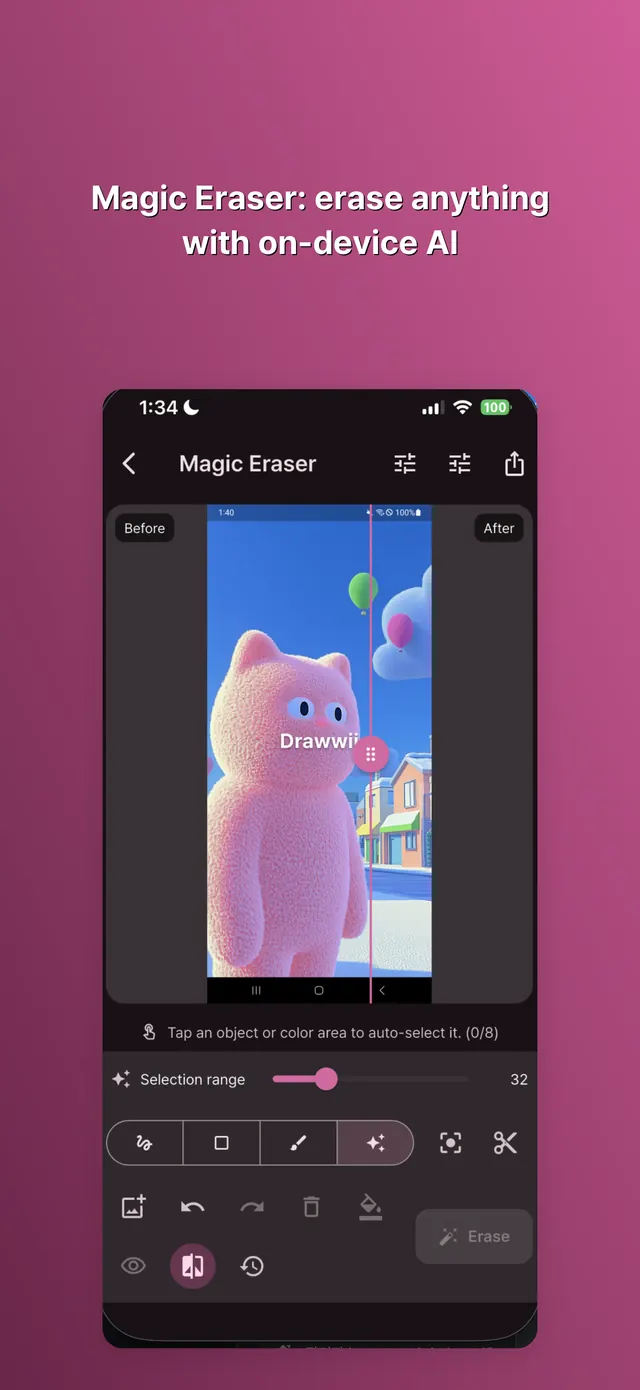
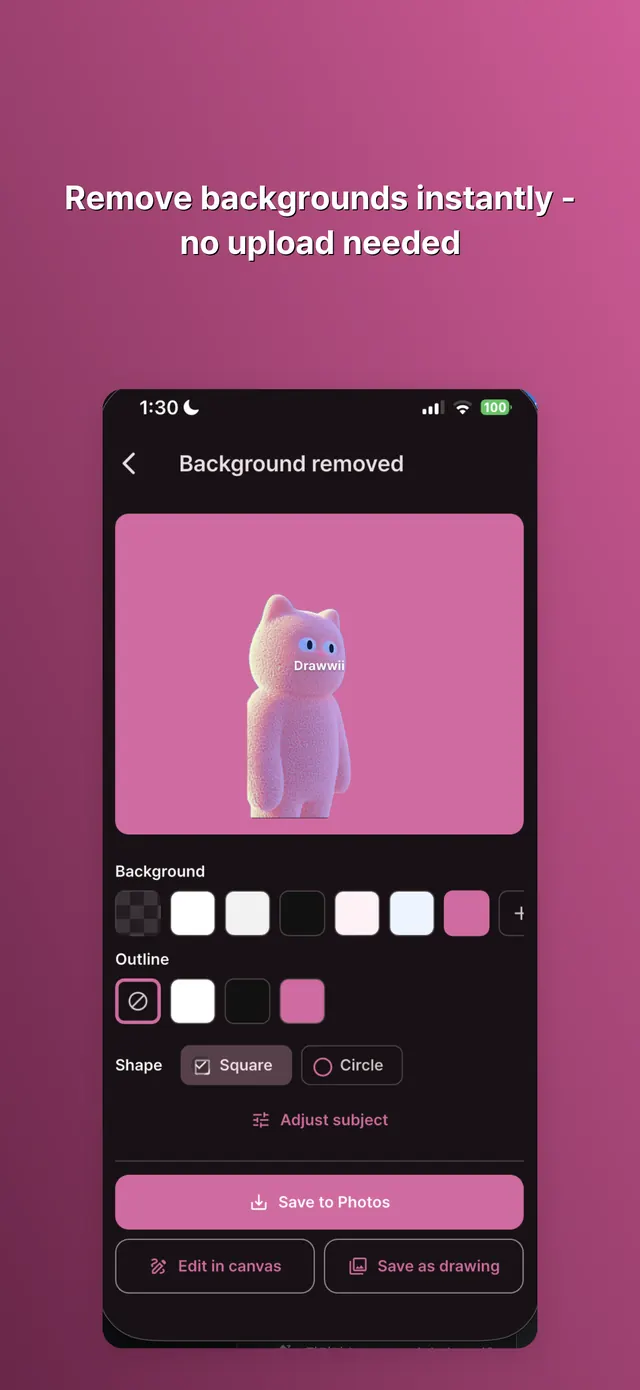
Magic Eraser removes unwanted objects with AI inpainting. Background Remover cuts out the subject and swaps in a color, gradient, photo or blur. The models run on the device, so editing works without a connection and there is nothing to wait for.
Collage & templates
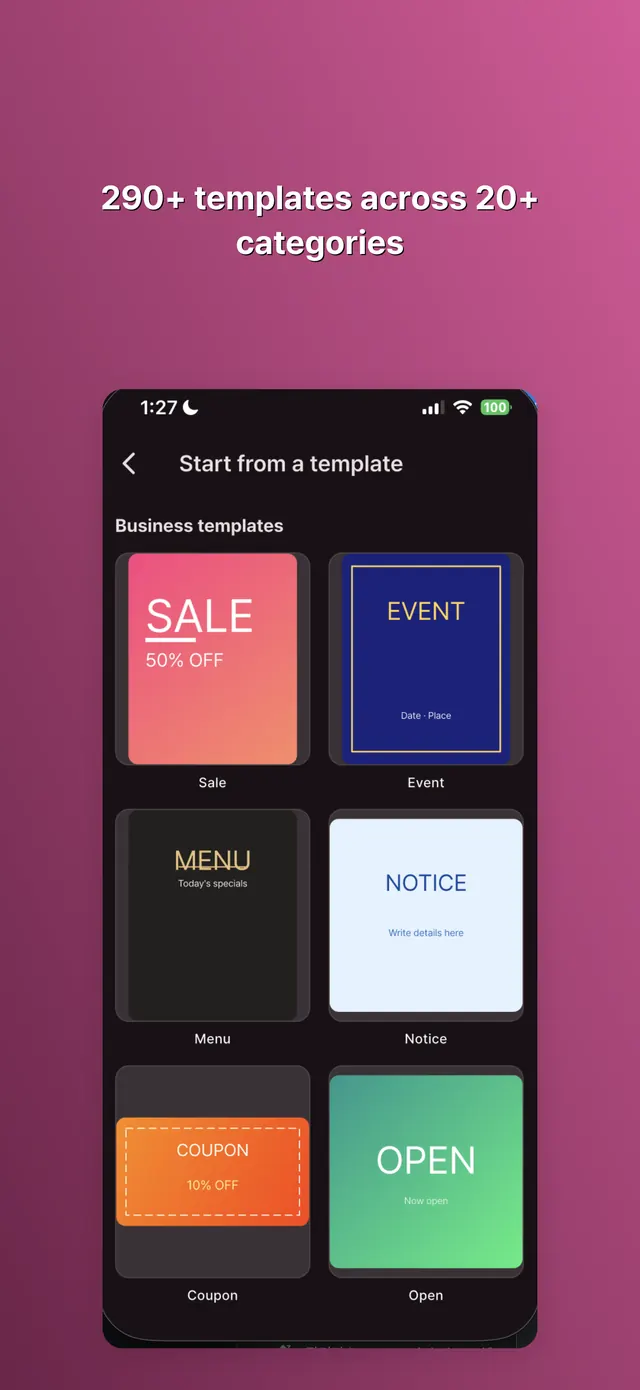
Combine photos with grid or freeform collage layouts, or start from 290+ ready-made templates across 20+ categories — invitations, planners, checklists and celebrations — then keep editing right in the drawing editor.
Stickers & photo elements
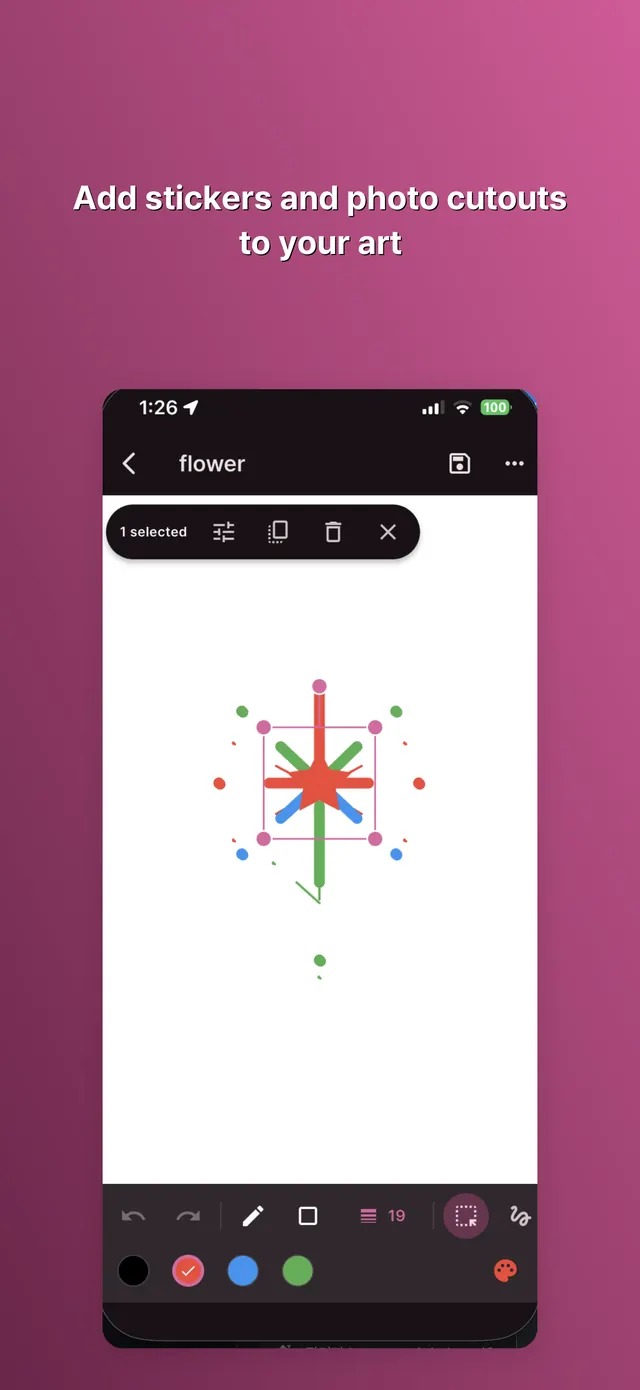
Add emoji stickers or cut-out photos as movable layers. Draw directly on top of a photo, or overlay a reference image while you sketch.
More tools, one tap away
Filters, watermarks, borders and frames, social resize presets, batch background removal, an image compressor, image-to-PDF, a document scanner, a QR code generator, a GIF maker and photo stitching.
Build a drawing habit
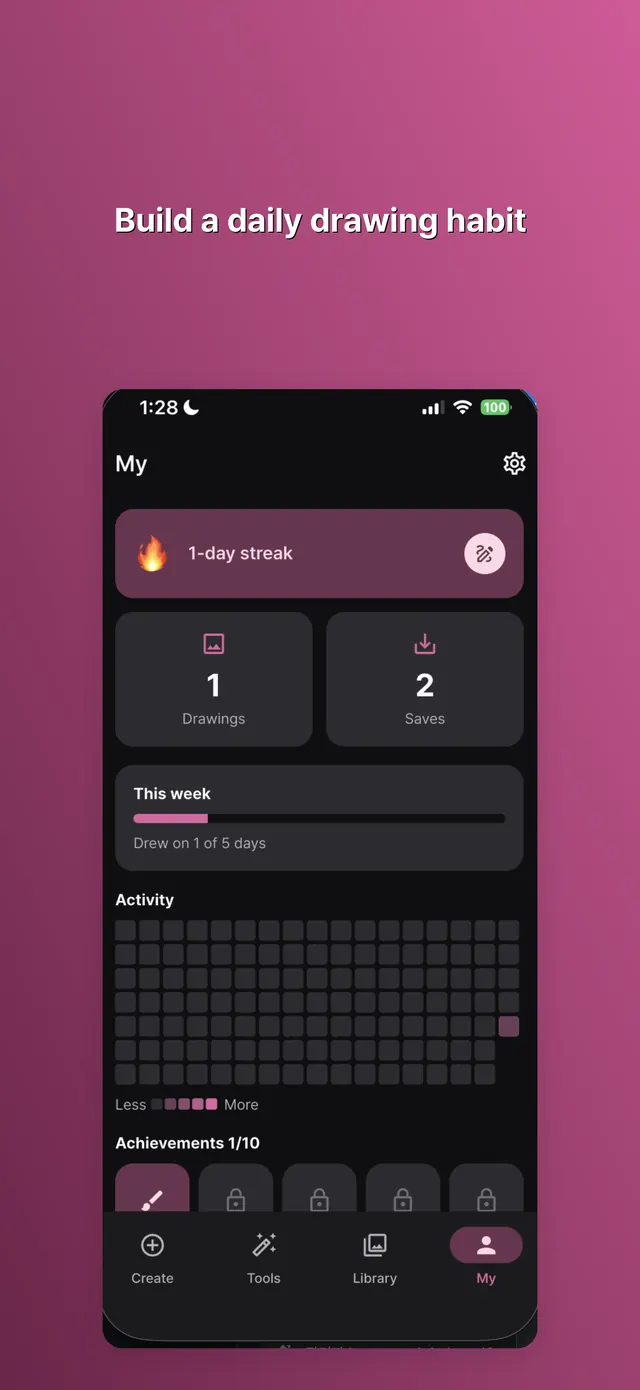
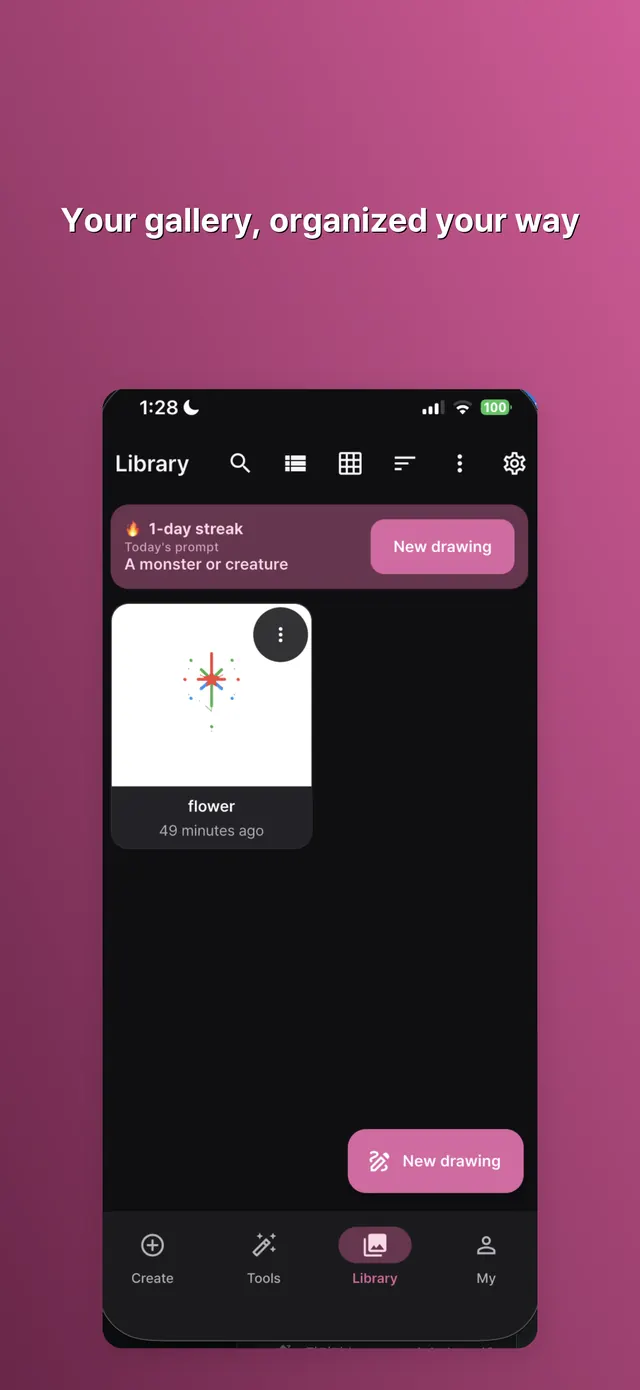
Track your daily drawing streak, see your activity heatmap, and take on weekly challenges. Your gallery stays organized with search, tags, favorites, trash with undo, and full backup & restore.